Downloading the latest version after finding an old version.
I have macOS Mojave Installer.app on my system but it’s outdated. I need the latest version. We now need to get the app store to show the Download button instead of Open. Simply close the App Store, delete the old version of macOS Installer then re-open.
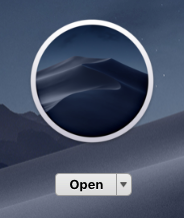
I deleted the installer.app but the App Store still thinks that I have the installer. The button SHOULD switch to Download but didn’t. If this happens again just restart your Mac.
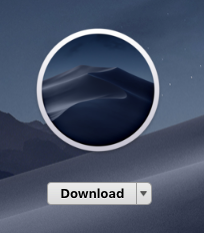
Perfect, after restarting the Mac App Store can’t find any version of the Mojave installer on your Mac so it now shows you the download button.